

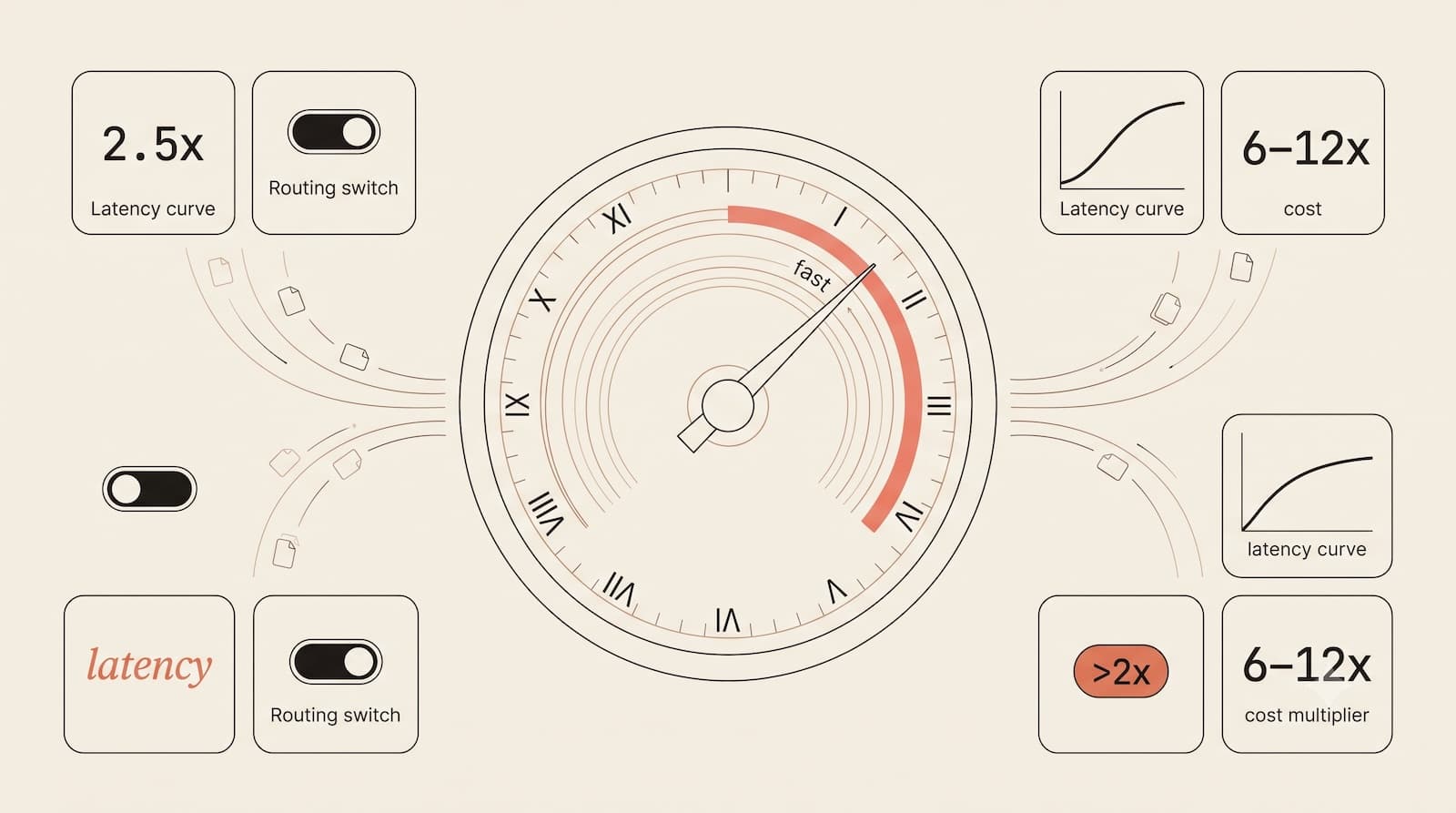
Anthropic released a feature last week that looks simple on the surface but signals a fundamental shift in how we deploy LLMs. Claude Opus 4.6 now offers a "Fast Mode" (currently in Research Preview) that cuts latency by 2.5x without changing the underlying model weights.
Same weights. Same capabilities. Different infrastructure priorities. The result: 2.5x faster response times that make speed itself a premium feature worth 6–12x the cost.
What Fast Mode Actually Is
Fast mode isn't a distilled version of Opus. It is a latency-optimized API configuration applied to the existing architecture. Instead of scheduling inference for maximum cost efficiency (aggressive batching, maximizing GPU utilization), Fast Mode prioritizes delivering your response immediately.
The trade-off is purely financial: same model, same quality, but you pay for priority access.
Standard pricing: $5/$25 per million tokens (input/output).
Fast mode (<200K context): $30/$150 per million tokens (6x cost).
Fast mode (>200K context): $60/$225 per million tokens (12x cost).
To use it, you don't need a complex setup. You update your API configuration:
JSON
{
  "model": "claude-opus-4-6",
  "speed": "fast"
}
Note: As of February 2026, Fast Mode is in Research Preview. You will need to join Anthropic's waitlist to request access.
The Shift: From "Model Selection" to "Model Configuration"
We are moving away from a world where you pick a model (Haiku vs. Sonnet vs. Opus) and into a world of inference configuration.
Think about what this means for teams building real applications:
Developer Experience: When you're debugging a complex reasoning issue, and every response takes 15 seconds, latency kills flow. Cut it to 6 seconds, and you fundamentally change the iteration cycle.
User-Facing Applications: Fast Mode enables you to deliver premium experiences where latency matters most, such as interactive debugging or real-time chat. Users don't care about your cost savings if the app feels sluggish.
Dynamic Routing: The real power play is using Fast Mode selectively. A premium user waiting for a real-time answer? Route to Fast Mode. A background summary job? Keep it on Standard.
The Three Variables of Production AI
This release crystallizes the concept of PromptMetrics: production AI is a three-variable optimization problem.
Mode | Quality | Latency (Typical)* | Cost Multiplier |
Standard Opus | High | ~15s | 1x ($5/$25) |
Fast Mode | High | ~6s (2.5x faster) | 6x ($30/$150) – 12x ($60/$225) |
*Latency estimates based on typical conversational queries. Actual latency varies by request complexity and token volume.
1. Latency: How quickly does the user get a response? In agentic workflows where one model call triggers the next, latency compounds exponentially.
2. Cost: Fast Mode is expensive. The 12x multiplier for large contexts (>200K) means it must be applied only where speed delivers clear ROI.
3. Quality: Fast Mode explicitly trades cost for latency while holding quality constant. This is a clean, measurable trade-off, exactly the kind of decision engineering teams should make with data, not intuition.
When to Stick with Standard Mode
While Fast Mode is exciting, the price premium means it isn't a default setting. You should stick to Standard Mode for:
Batch processing: Background jobs where no user is waiting.
Long-form content: Generating blog posts or reports where a 15-second wait is acceptable.
Large Contexts: If you are already sending >200k tokens, the 12x cost multiplier rarely justifies the speed gain.
High-volume, low-margin tasks: Use cases where unit economics are tight.
What Your Monitoring Should Look Like
If you are using multiple configurations of the same model, your observability stack needs to adapt. Here is your new monitoring priority list:
Latency Distribution: Track p50, p95, and p99 specifically for requests tagged
"speed": "fast". Are you actually getting the 2.5x speedup you're paying for?Routing Logic Performance: Which requests went to Fast Mode? Did the decreased latency correlate with better user retention?
Cost Per Successful Task: Don't just track cost per token. A 6x more expensive request that completes the task correctly on the first try often beats a cheaper request that requires 3 retries.
Separate Rate Limits: Fast Mode operates on a dedicated rate limit tier. Monitor this separately to prevent outages.
Cache Hit Rates by Mode: Critical detail: Fast Mode and Standard Mode do not share prompt caches. Switching a request from Standard to Fast will result in a cache miss, adding hidden costs.
The Fallback Pattern
It is important to clarify that Fast Mode does not automatically degrade to Standard Mode. If you exceed your Fast Mode rate limits, the API returns a 429 error.
You must build the fallback logic into your application layer.
Step 1: Attempt the request with "speed": "fast".
Step 2: Catch 429 (Rate Limit) or 5xx errors.
Step 3: Retry the request immediately with the standard configuration.
Dev Note: Anthropic's SDKs often retry failures 2 times by default. To make your fallback feel "instant" to the user, you may want to set max_retries: 0 on your Fast Mode calls so you can catch the error and reroute immediately.
The Bottom Line
Claude Opus 4.6 Fast Mode is a small feature with big implications. We are likely to see more "tiers" from providers: speed tiers, cost tiers, and perhaps even reasoning mode tiers (like Opus 4.6's extended thinking vs. standard mode).
Fast mode establishes a pattern: it exposes infrastructure-level optimization as user-configurable trade-offs rather than hiding them behind opaque pricing.
The winning teams will have the observability to measure Fast Mode's impact and the routing logic to apply it selectively. If you can't see the difference between 6s and 15s in your metrics, you shouldn't be paying 6x to optimize it.
Building AI-powered products? PromptMetrics automatically tracks latency, cost, and quality across every LLM configuration, including Fast Mode vs Standard. See per-request routing performance, cache hit rates by mode, and exactly which users benefit from premium speed. Optimize with data, not guesswork.