
A few days ago, Boris Cherny talked through the birth of Claude Code at YC Startup School 2026. He kept coming back to the same idea: the best builders today are not the ones writing the cleverest prompts. They are the ones figuring out how to unhobble the model, how to hand it a task that feels slightly too hard, give it a clear definition of done, and get out of its way.
Dynamic workflows are the Claude Code feature built for exactly that. You describe an outcome, and Claude writes a custom harness on the fly: separate maker, checker, and fixer agents, each with its own clean window and one narrow job. The result is the difference between a long conversation that slowly loses the thread and a multi-day run that actually finishes.
This post is about what dynamic workflows actually are, when they are worth the extra tokens, what they cannot do, and how to start building workflow instructions you can reuse. I have watched enough long tasks drift sideways in a single window that I now reach for structure before I reach for a better prompt.
Key Takeaways
One Claude in one window hits three structural limits: agentic laziness, self-preferential bias, and goal drift (Chung et al., 2025; Pombal et al., 2026; Du et al., EMNLP 2025).
Dynamic workflows split work across maker, checker, and fixer agents so nobody grades their own homework.
The six reusable patterns are classify-and-act, fan-out-and-synthesize, adversarial verification, generate-and-filter, tournament, and loop-until-done.
Start with the open skill repo at https://github.com/promptmetrics/prompt-workflow-architecture, paste a workflow instruction, adapt the rubric, and save it as a skill.
Why Does One Long Chat Window Eventually Fail?
The default Claude Code harness is excellent for bounded work: a function, a refactor, an error you need explained, a small bug. The trouble starts when the task grows past the window. Hundreds of files. Thousands of rows. A strict rubric. A run that has to last longer than an afternoon.
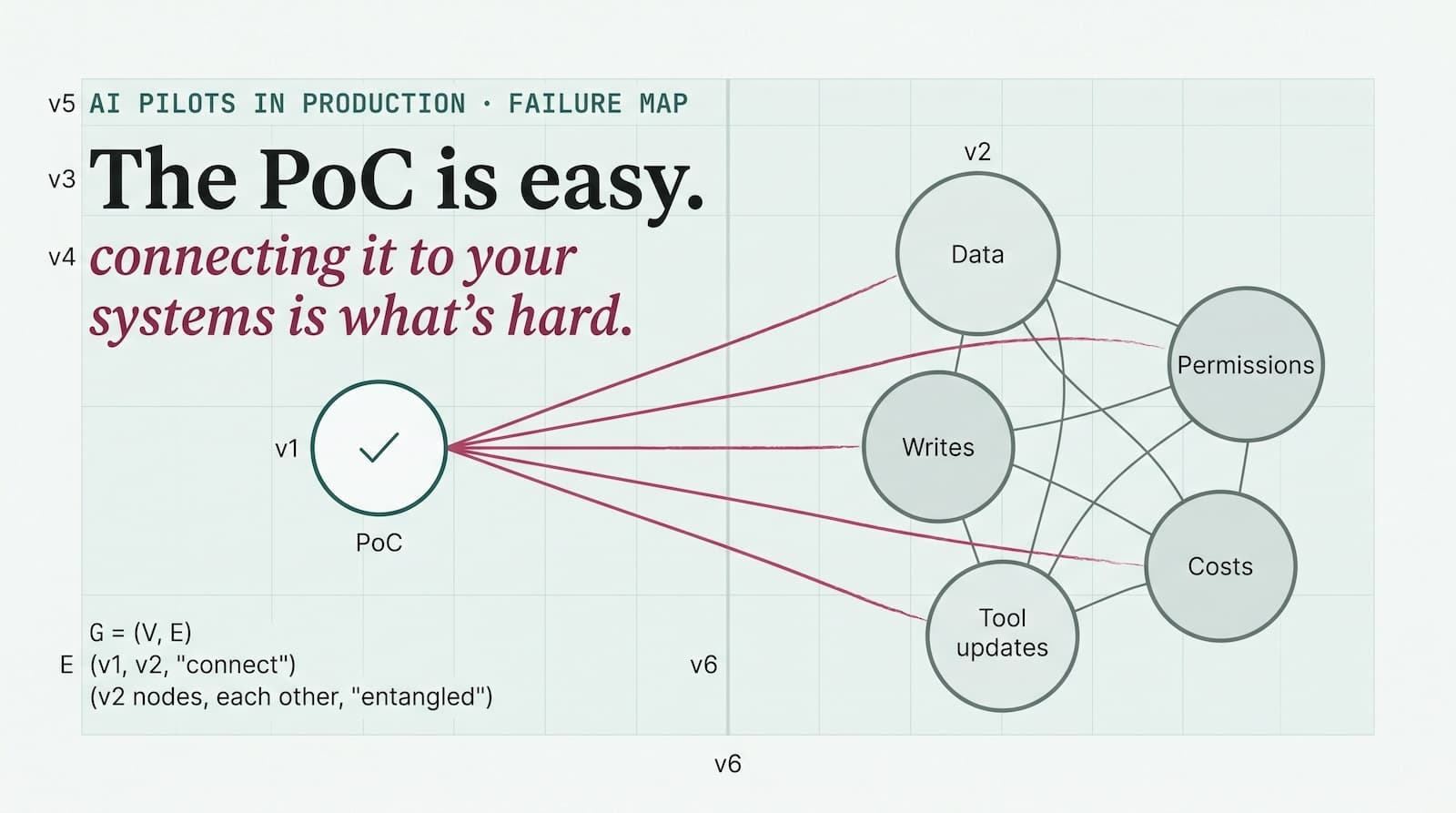
In one window, three failure modes set in. These are not quirks you can prompt around. They are structural.
Agentic laziness
Claude starts optimizing for completion inside a shrinking window. It closes 20 of 50 review items and calls it done. Research on long-context web agents shows success rates dropping from 40–50% to under 10% as the task drags on, mostly because the agent gets stuck in loops and loses sight of the original objective (Chung et al., 2025).
Self-preferential bias
Ask the same Claude that wrote the output to grade the output, and it will pass itself more often than it should. A 2026 study found that LLM judges are up to 50% more likely to incorrectly mark their own outputs as satisfying criteria, even with fully objective, programmatically verifiable rubrics (Pombal et al., 2026). On benchmark evaluations, that self-preference bias can shift scores by as much as 10 points, enough to change which model looks like the winner. No clever prompt removes it.
Goal drift
Over many turns, especially after context compacts, the objective blurs. The guardrail you wrote at the start quietly falls off. Even when the model can retrieve every relevant token, sheer context length degrades performance by 13.9% to 85% (Du et al., EMNLP 2025).
A workflow fixes all three by structure, not willpower. It gives each subtask its own window, its own narrow goal, and, crucially, its own judge.
What Are Dynamic Workflows, Really?
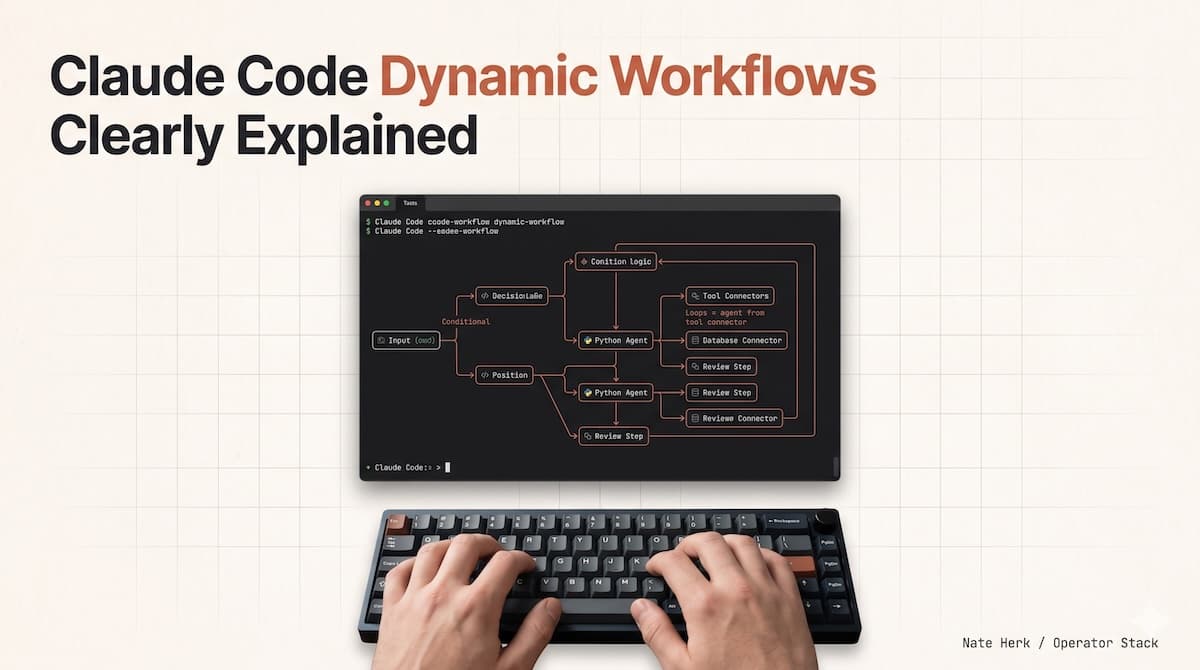
Dynamic workflows are the Claude Code feature that turns one chat into a team. You describe an outcome, and Claude writes a custom harness for that exact task, then runs it.
What the harness does
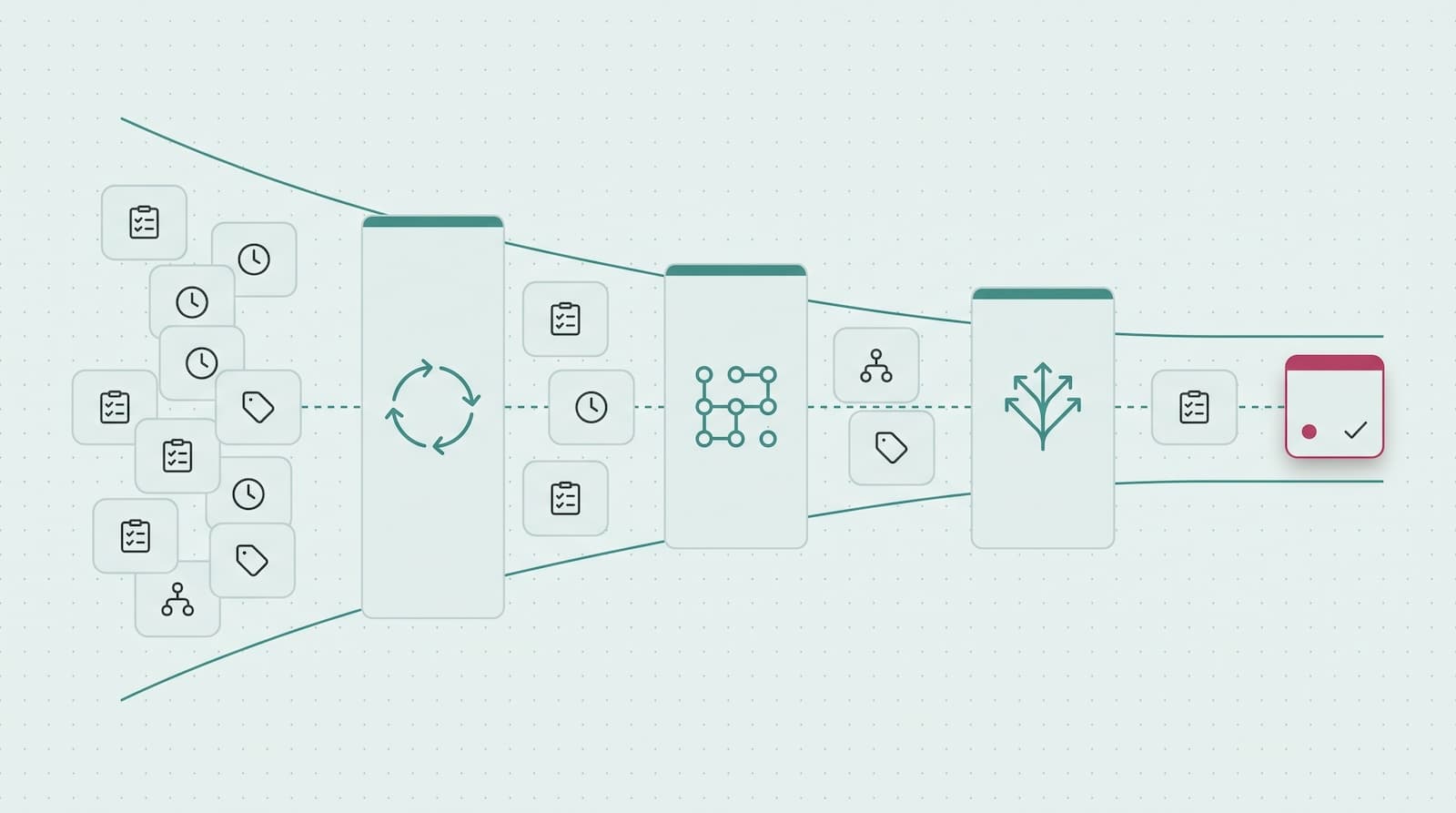
Under the hood, Claude becomes the orchestrator. It spins up separate worker agents inside a sandbox, assigns each one a narrow job, and routes their outputs through verification and synthesis steps. The harness is not generic; it is tailored to your files, your rubric, your stop conditions, and your budget.
The three roles you cannot merge
The separation that matters is the one you cannot fake in a single window:
The maker does the work.
The checker grades it against a rubric.
The fixer steps in only when the checker says the work is not good enough, reworks the specific failing part, and sends it back to the checker. The fixer is a second maker, not a judge; it never signs off on its own output.
This is what turns a drifting chat into something that can carry a hard, multi-day task to completion. Nobody is grading their own homework, and nobody is trying to hold the entire plan, the execution, and the verification in one context window at the same time.
One note on availability: dynamic workflows are a research-preview Claude Code capability with plan-gated access right now. If you do not see the option yet, the same workflow-shaped problems are still solvable by hand with the Anthropic API and the Agent SDK; you just have to wire the harness yourself.
When Is a Single Window Not Enough?
You do not need a workflow for every task. A single Claude in a single window still handles most day-to-day work. Reaching for a workflow for a two-line bug fix is like calling a town hall meeting to decide what to have for lunch.
Reach for a workflow when the task has one of these shapes:
It is long enough that the context window will compact before it finishes.
It is parallel enough that one agent would have to queue up work that could run side by side.
It is adversarial; you need a real second opinion, not a polite self-review.
It has a strict rubric and a binary definition of done.
It spans multiple files, multiple data sources, or multiple days.
The test is simple: if you have ever watched Claude lose the thread halfway through a task and quietly redefine success downward, that task is workflow-shaped.
What Can You Use Workflows For?
The first assumption people make is that this is a developer tool. It is not. A workflow is just Claude coordinating a team of Claudes, and the jobs that need a team show up in every function. 57% of organizations already deploy agents for multi-stage workflows, and 80% report measurable ROI today (Anthropic/Material, 2026).
Ranking a pile of stuff. “Here are 80 resumes. Use a workflow to rank them for the backend role, then double-check the top ten. Interview me to build the rubric first.” One agent reads each resume. A tournament compares pairs. A checker re-reads the top ten so nothing good slips through. You can run the same shape over support tickets, vendor proposals, bug reports, or a quarter of customer feedback.
Fact-checking your own writing. “Go through my blog draft and use a workflow to verify every technical claim against the codebase. I do not want to ship anything wrong.” One agent extracts claims. A separate agent checks each one. A third rates the strength of the source. The writer never gets to wave their own claim through.
Mining a backlog nobody reads. “Dig through #incidents in Slack for the last six months and find recurring root causes where nobody filed a ticket.” Separate agents form theories from separate evidence, then argue them out. Swap Slack for sales numbers, a failed process, or a churn analysis, and the same shape runs the post-mortem.
Naming things and other taste calls. “Brainstorm 30 names for this tool, then run a workflow tournament to pick the top three against a rubric.” A generator proposes options. A reviewer scores them against what “good” means. A bracket picks the winner. No single agent falls in love with its own idea.
Turning your mistakes into rules. “Use a workflow to go through my last 50 sessions, find the corrections I keep making, and turn the recurring ones into rules.” It clusters the corrections, checks each candidate rule against a real past mistake, and keeps only the ones that would have caught something. The survivors become institutional memory.
The Six Reusable Patterns
Every dynamic workflow Claude builds is some combination of a small set of blocks. You do not need to memorize them to use workflows, but learning them helps you read the harness after it is built and steer it next time.
Pattern | What it does | Best for |
|---|---|---|
Classify-and-act | A classifier decides the task type, then routes to the right agent | Multi-type inboxes, triage, routing |
Fan-out-and-synthesize | Split the work into many small steps, run an agent on each, then merge the results. | Bulk processing, audits, migrations |
Adversarial verification | For every maker, spawn a second agent whose only job is to attack the output against a rubric.c | Fact-checking, code review, grading |
Generate-and-filter | Make many candidates, drop duplicates, keep only tested survivors | Brainstorming, test-case generation |
Tournament | Agents compete on the same task; a judge compares pairs until a winner emerges. | Ranking, naming, design selection |
Loop-until-done | Keep going until a condition holds, not until a fixed counter runs out | Bug hunting, exhaustive verification |
The pattern that matters most is adversarial verification. It is the structural move behind every useful workflow: the agent that made the thing cannot be the agent that signs off on the thing.
What Changed With Opus 4.8?
Before Opus 4.8, the closest thing to a workflow was a static, hand-wired orchestration script. A developer had to anticipate every branch, build a generic harness, and maintain it as the task changed. It worked, but it was rigid.
Opus 4.8 made the harness generative. You describe the outcome; Claude writes the orchestration for that specific case. The difference is like buying a suit off the rack and having one tailored to your measurements.
The most telling public example so far is the one Boris discussed: Jarred Sumner used a dynamic workflow to port Bun from Zig to Rust, roughly 750,000 lines of Rust, a 99.8% test pass rate, and 11 days from first commit to merge (Anthropic, 2026). That is not a demo. It is production infrastructure, rewritten by a team of Claudes orchestrated by one human with a prompt.
Boris was careful not to claim this was a single prompt with zero steering. There was steering. But the point stands: previous models could not do it, even with steering. Opus 4.8 and later models make the orchestration itself dynamic, so the orchestrator can spawn new agents, change the approach, and keep going based on what it learns mid-run.
The Real Trade-Offs
Dynamic workflows are not free. They burn more tokens, they take longer to set up than a single prompt, and they can be overkill.
Cost. A panel of five reviewers is overkill for a normal bug fix. A tournament over 30 items might run a few hundred thousand tokens. A codebase-wide migration can run into millions. You can cap the budget (say, “use 10k tokens” or “cap at 500k tokens”), but the ceiling is still higher than a single-window session.
Setup. You have to describe the task, the rubric, and the stop conditions clearly enough for Claude to build the harness. If you do not know what “done” looks like, a workflow will not tell you.
Monitoring. Long-running workflows need check-ins. They save progress and can resume, but you still want to know whether the run is converging or spinning.
Use workflows where the cost of getting it wrong is higher than the cost of the extra tokens. For everything else, a single Claude in a single window is still the right call.
Frequently Asked Questions
Do I need to be a developer to use dynamic workflows?
No. You need to describe what you want done. Claude picks the patterns. The six patterns are for reading the harness after it is built. They help you understand what Claude decided and why, so you can steer it next time. But your first workflow works with nothing more than a clear prompt.
How many tokens does a workflow burn?
It varies by task, but dynamic workflows consume substantially more than a typical session. A simple tournament over 30 items might use a few hundred thousand tokens. A codebase-wide migration can run into the millions. You control the ceiling, tell Claude “use 10k tokens” or “cap at 500k tokens,” and it stays within budget. For recurring workflows, the cost drops over time as you learn which patterns your tasks actually need.
What happens if a workflow fails mid-run?
Workflows save progress and can resume from interruptions. If a subagent dies or the connection drops, the orchestrator picks up where it left off. Long-running workflows, hours, or days, are designed for this. The harness is not a script that runs linearly and crashes; it is a state machine that knows what is done and what is left.
Is this only for Claude Code, or can I use it with the API?
Dynamic workflows are a Claude Code feature; they rely on Claude's ability to write and execute orchestration scripts within the CLI environment. The underlying patterns- fan-out, adversarial verification, tournament- can be implemented with the Anthropic API and the Agent SDK, but the “describe it, and Claude builds it” experience is Claude Code-specific.
How do I start building my own workflow instructions?
Clone the open skill repo at https://github.com/promptmetrics/prompt-workflow-architecture. Each instruction is a prompt file with a rubric and stop conditions. Paste one into Claude Code, adapt the rubric to your task, and save it as a skill with one command. Start with one hard task that keeps slipping through a single window, split the maker from the checker, and see if the structure does what a better prompt cannot.
What Was Boris's Bigger Point?
Boris's argument at YC Startup School was not really about dynamic workflows as a feature. It was about the broader shift in what it means to use a frontier model well.
The old style was to write increasingly specific prompts: do this, then this, then this, in exactly this way. The new style is to describe the task, describe the guardrails, describe the exit criteria, and let the model cook. As Boris put it, “You want to describe the task, you want to describe the guardrails, you want to describe the exit criteria, and then just go let the model cook and come back in a little bit.”
That only works if you also give the model a way to verify its own work, because verification is what keeps a long-running task from wandering off into the weeds. Boris put that even more bluntly: “The verification is probably the single most important thing that people do not get right, largely.”
That is the connection. Dynamic workflows are the mechanism that makes “give it a hard task and a clear definition of done” actually work for tasks longer than an afternoon. They are the unhobbling move for multi-day work.
They are also a Claude Code-specific move. The underlying patterns- fan-out, adversarial verification, tournament- can be implemented with the Anthropic API and the Agent SDK if you want to wire them by hand. Loop-until-done is a dynamic workflow primitive in Claude Code. But the “describe it, and Claude builds the harness” experience, plus the sandbox that lets those agents run for hours or days, is what Claude Code does.
Where to Start
If you want to go beyond reading, the open skill repo at https://github.com/promptmetrics/prompt-workflow-architecture provides reusable workflow instructions. Paste one into Claude Code, adapt the rubric to your task, and save it as a skill with one command. Start with one hard task that keeps slipping through a single window, split the maker from the checker, and see if the structure does what a better prompt cannot.